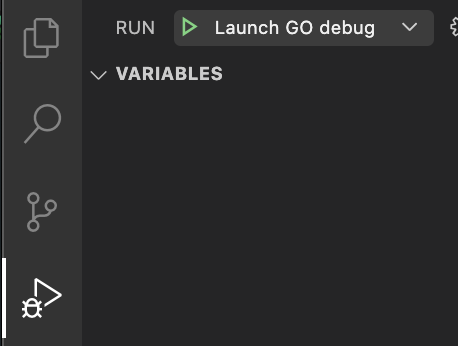
When your building your go application in VSCode it is easy to debug but you will have to select & open the main.go file and then press play to go into debugging mode.
There is an easy VSCode config fix to let you run a debug session without having to open the main.go file.
- First open your go project in vscode
- Create a new folder called
.vscode - Create a file called
launch.json - Add the following content to the launch.json file:
{
    "version": "0.2.0",
    "configurations": [
        {
            "name": "Launch GO debug",
            "type": "go",
            "request": "launch",
            "mode": "debug",

 // replace /cmd/yourapplicationname/ with the path to your main.go file
            "program": "${workspaceRoot}/cmd/yourapplicationname/"
        }
    ]
}- Now you can run go debug from every file: